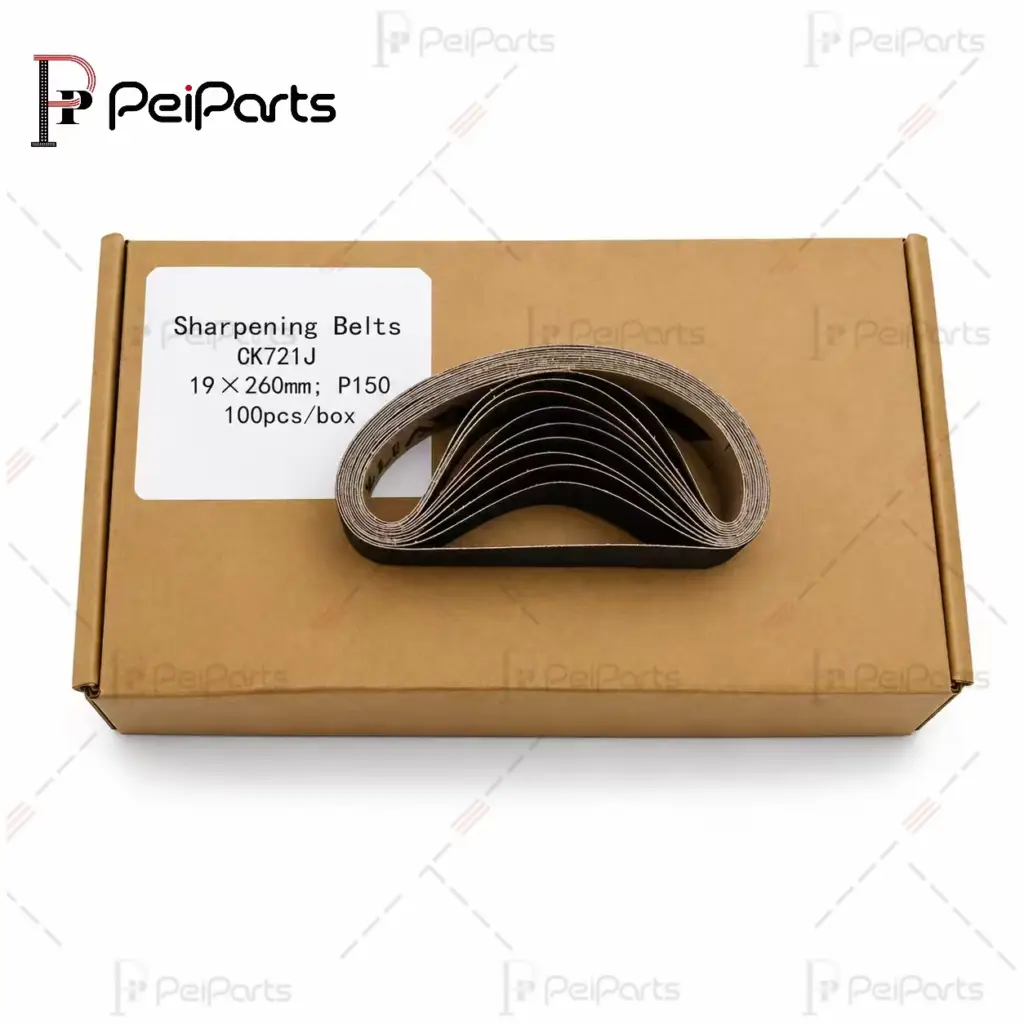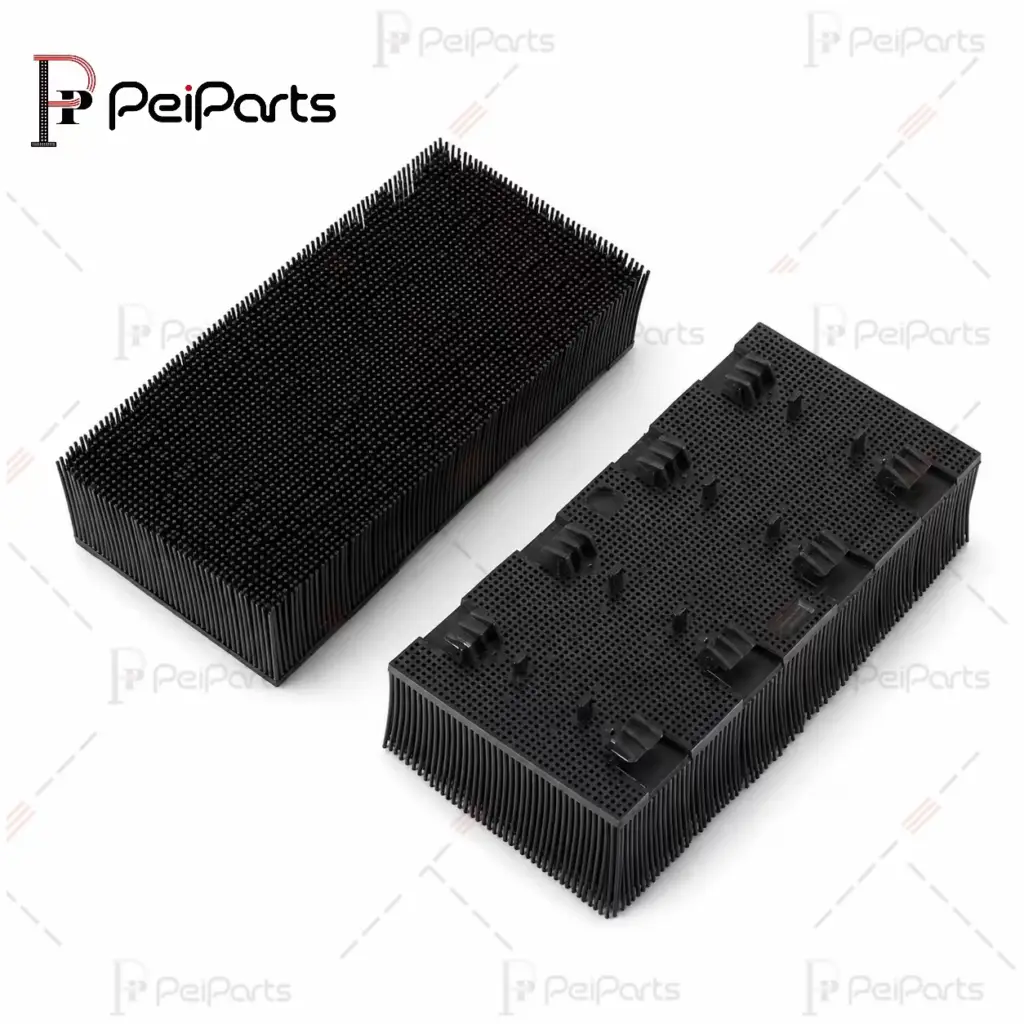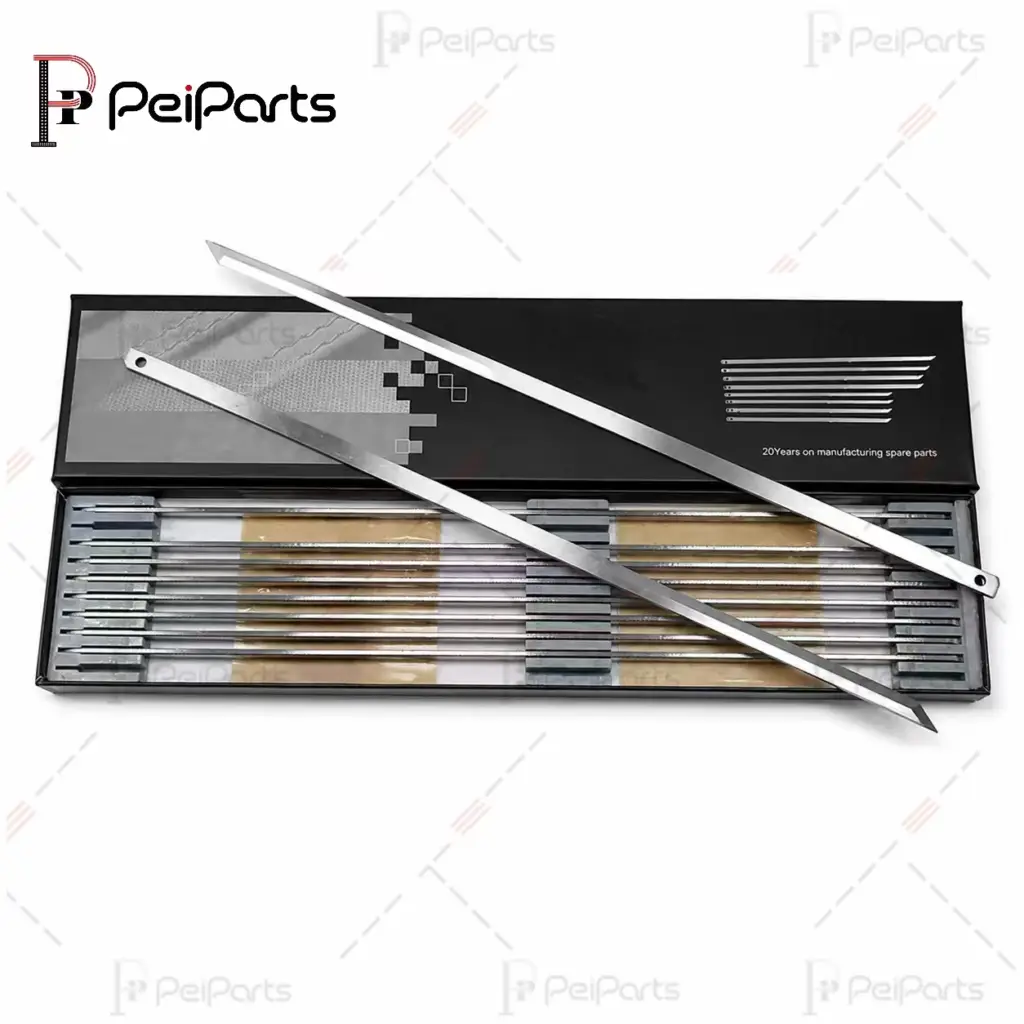
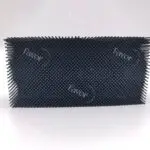
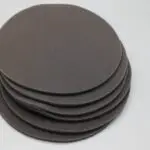
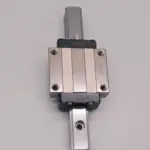
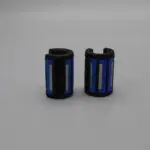
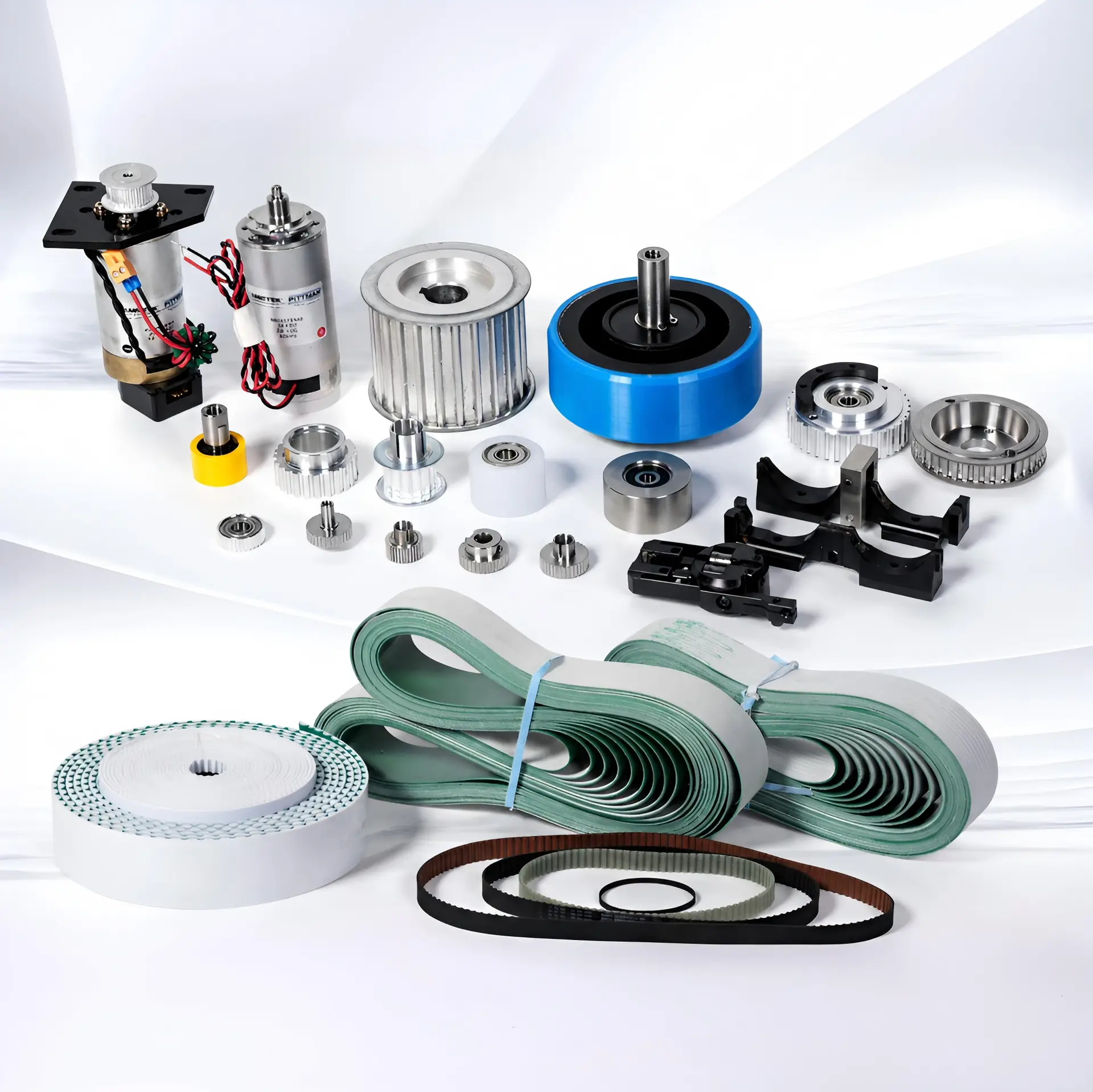
The reference number on a Lectra Vector part is usually printed on the part’s label or its original packaging, and it is also listed in your machine’s parts documentation and on the packing list of any earlier order. If the label is worn off, a clear photo of the part next to a ruler, plus a photo of the machine nameplate, is usually enough for a supplier to identify it. The reference, not the part name, is what decides whether a replacement will fit.
Key Takeaways
- The reference number identifies the exact part; names like “knife guide” or “bristle block” can cover several different parts.
- Check the part label, the original packaging, previous packing lists and your machine documentation first.
- The machine nameplate gives the model and version, which matters because parts can change between versions.
- No label? Send three photos with a ruler in frame and the key dimensions.
- Do not confuse the machine serial number or a previous supplier’s internal code with the part reference.
Why Does the Reference Number Matter More Than the Part Name?
On a Vector cutter, many parts share a name but not a design. A blade, a bristle block or a sharpening belt for one model can differ from the “same” part on another model in length, section, foot type or fixing. Two knife guides can look identical in a photo and still differ by a fraction of a millimetre.
The reference number removes that guesswork. It points to one specific design, so the part you order is the part you took out. For a maintenance team, it is also the fastest way to reorder: once a reference is on file, the next order needs no photos or measurements at all.
Where Is the Reference Number Printed?
Start with the places that are quickest to check:
- The part itself. Many wear parts carry a label or an engraved number. Look on flat faces, near fixing points and on the underside.
- The original packaging. Bags and boxes from earlier orders usually show the reference on the label, even when the part does not.
- Previous packing lists and invoices. If you have ordered the part before, the reference is almost always on the paperwork.
- Your machine documentation. The parts list or maintenance manual for your cutter lists references by assembly.
- MTK kit packing lists. A maintenance kit lists every part inside, with its reference, so it is a useful lookup for common wear parts.
Write the number down exactly as printed, including any letters, dashes and suffixes. A suffix often marks a revision, and revisions are not always interchangeable.
What If the Label Is Worn Off?
Labels on wear parts often do not survive heat, oil and cleaning. That is normal, and it does not stop you from ordering. A good set of photos is usually enough to start:
- Three photos of the part: front, side and the mounting or fixing side.
- A ruler or caliper in the frame, so size can be read from the image.
- The key dimensions written down: length, width, thickness, hole diameters or bore size.
- A photo of the machine nameplate, so the model and version are clear.
- A photo of where the part sits in the machine, if it is a mechanical spare.
For hard-to-identify parts, the old part itself is the most reliable reference. A worn sample shows dimensions, material and wear pattern in a way no photo can.
What Should You Send Along With the Reference?
A reference number on its own is often enough, but a few extra details make the match faster and help avoid surprises:
| Information | Why it helps |
|---|---|
| Machine model (for example Vector iX, MH8, Q80) | Confirms the part belongs to your machine family |
| Nameplate photo | Shows the exact version and configuration |
| Reference number as printed | Identifies the exact design, including revisions |
| Quantity and how often you replace it | Lets the supplier quote the right pack size and plan stock |
| Photo of the old part | Catches labeling mistakes before an order ships |
How Do Machine Model and Version Fit In?
The nameplate on your cutter shows the model and serial details. Model names such as iQ, iX, MH, MP, M88 or Q80 tell you the machine family, but parts can still change between versions of the same family. That is why a nameplate photo is worth sending even when you have the reference: it lets the supplier check that the reference matches the machine it is going into.
If you run several cutters, keep a simple list of each machine’s model and version next to the references you order most. It saves time every time you reorder.
What Are the Most Common Mistakes When Reading a Reference?
- Sending the machine serial number instead of the part reference. The serial identifies the machine, not the part.
- Using a previous supplier’s internal code. Trading companies sometimes relabel parts with their own numbers, which mean nothing to anyone else.
- Sending a kit reference for a single part. A kit reference covers a group of parts; list the individual part you need.
- Transcription errors. O and 0, I and 1, B and 8 are easy to mix up on a worn label. A photo of the label avoids this.
- Dropping the suffix. A missing revision letter can point to a different version of the part.
How We Use Your Reference at PeiParts
Every request we receive is checked against the reference number, photo or sample before we quote. If something does not add up, for example a reference that does not match the machine on the nameplate, we ask before we quote rather than after the parts arrive. Once a reference is confirmed, we keep it on file so your next order is a one-line message.
You can browse common parts on our In Stock page, or go straight to your machine: Vector iQ, Vector iX, MH / MP / M88 and earlier Vector models.
Send Us Your Reference Number
Send the reference, a photo or your full parts list. We confirm the part and reply with a quote within 12 hours.